Step 1
Open your chat
Use ChatVibes directly inside supported web messaging clients.
A Chrome extension that helps you summarize threads, draft replies, and ask questions without leaving your chats. Explore free MCP access to use your own AI agent with your chat portals.
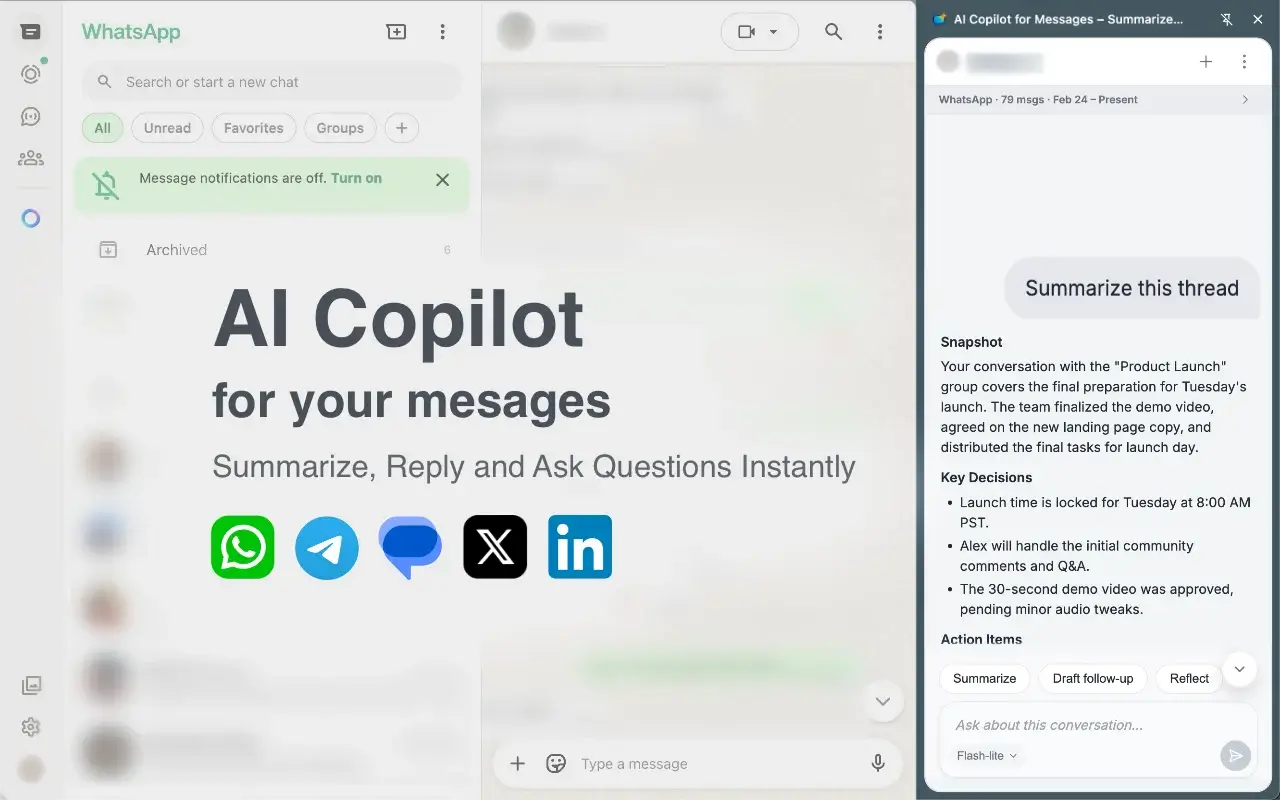
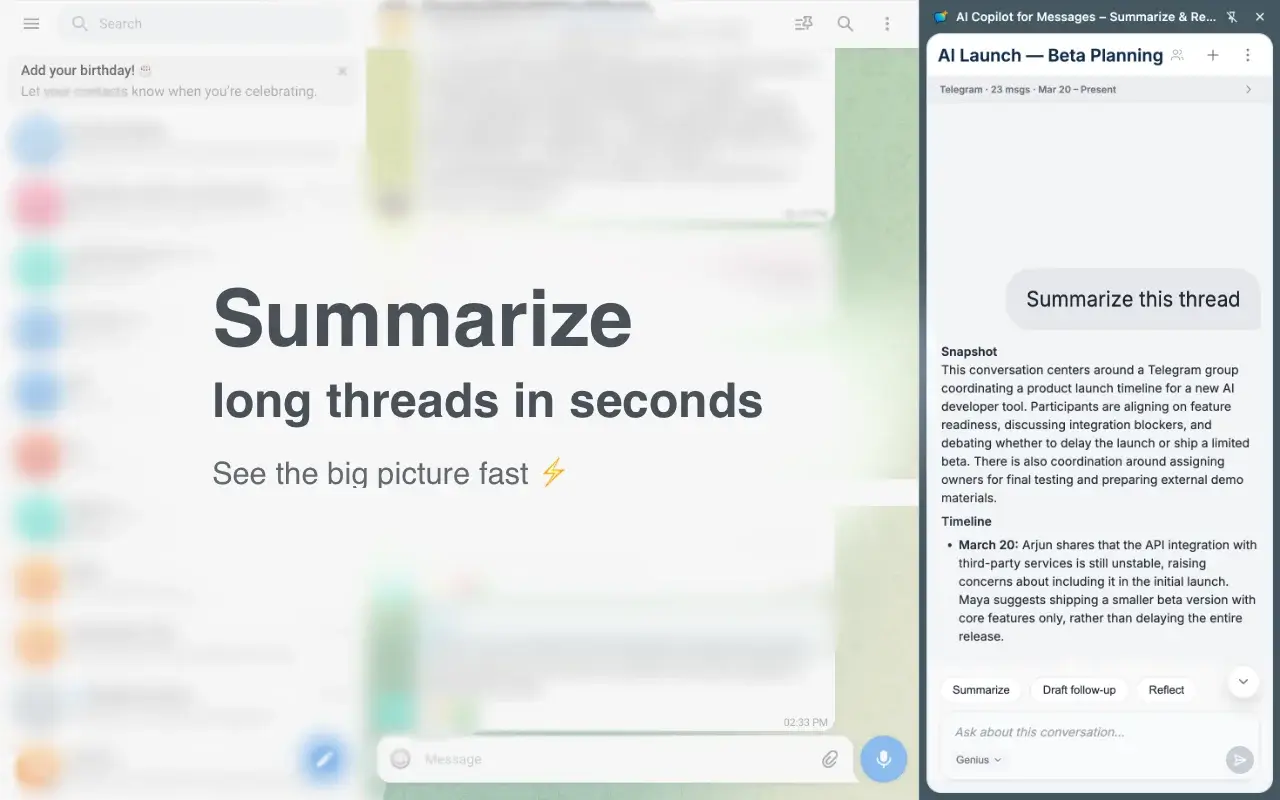
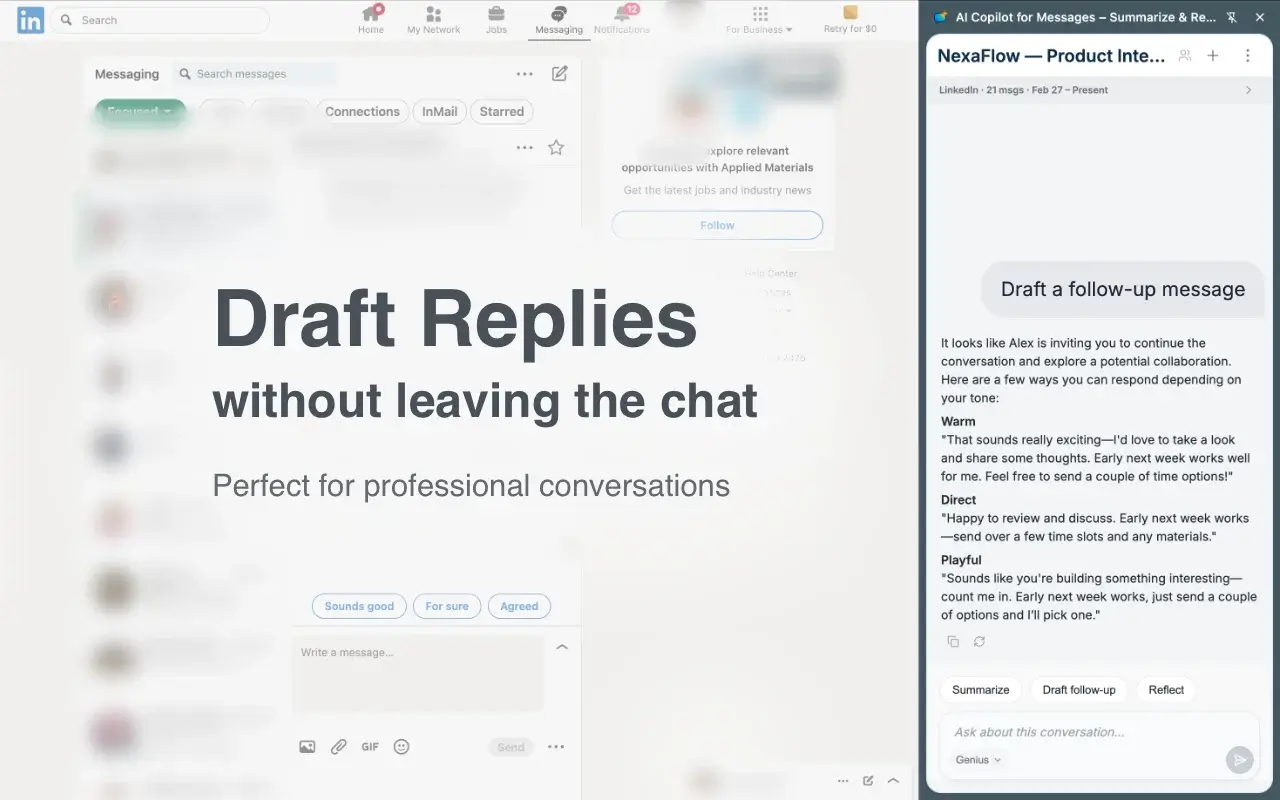
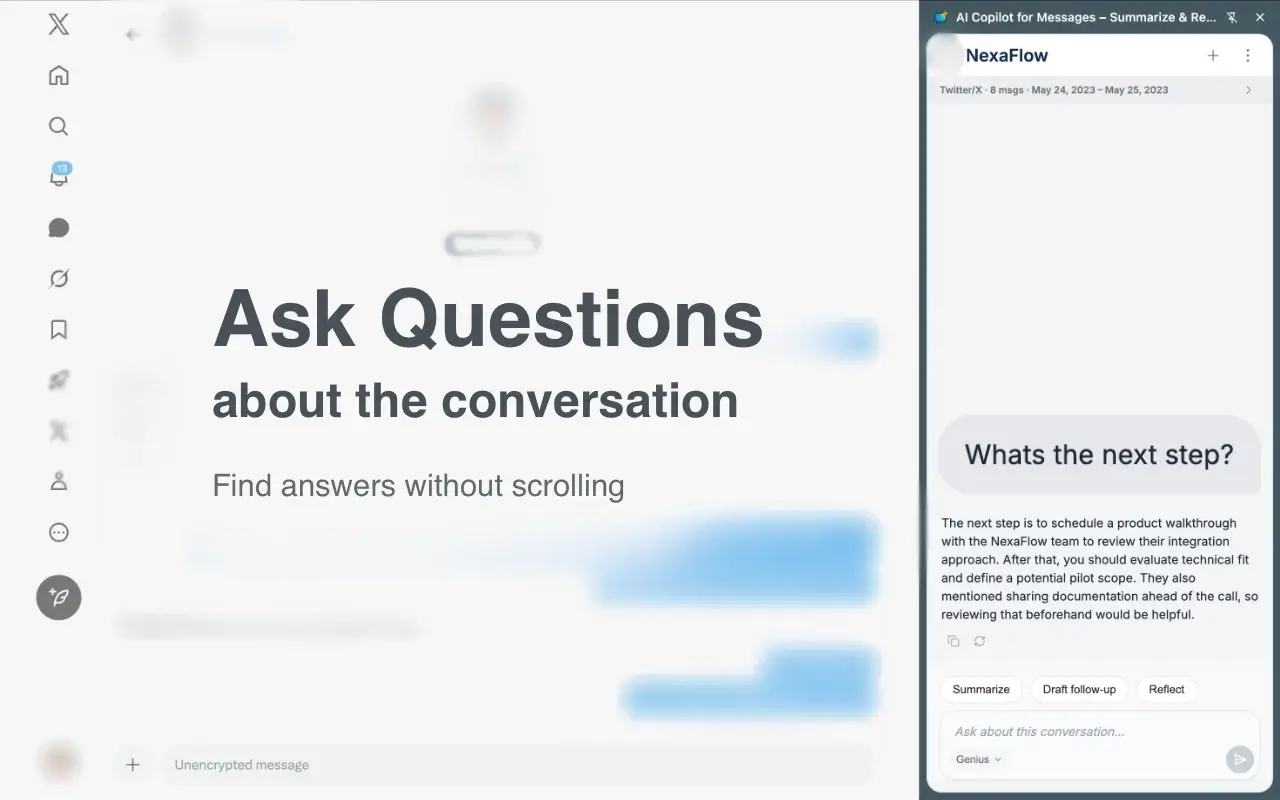


Catch up. Respond faster. Stay in context.
Catch up on long or noisy threads in seconds. Get the key decisions, themes, and context without endless scrolling.
Generate follow-up replies tailored to the conversation so you can respond faster without losing your tone.
Ask freeform questions about the conversation you’re viewing — find details, clarify context, and surface what matters.
Free MCP preview — Mac + Chrome
Use your own AI agent to interact with your chat portals. Connect the same ChatVibes extension to read available conversations, search captured messages, and ask what needs your attention.
MCP access is free. No ChatVibes paid plan required.
Explore the MCP previewPublic download in preparation. A separate local companion is required. Your chosen AI provider’s own fees may apply.
Questions to bring to your chats
You choose which conversations to share. Coverage depends on messages available in the browser or captured by the extension. Sending is unavailable.
Step 1
Use ChatVibes directly inside supported web messaging clients.
Step 2
ChatVibes appears beside the conversation you’re already viewing.
Step 3
Turn messy threads into clarity and action without leaving the chat window.
Get a fast summary of what changed, what matters, and what needs a response.
Draft a follow-up faster when the conversation is nuanced, professional, or high-context.
Ask questions about the conversation to recover details, decisions, and context.
No API key setup required. Install ChatVibes, sign in, and start using AI inside your web messages right away.
For ChatVibes’ built-in AI analysis, conversation context is sent through our server to Google Gemini. We do not sell your data or use your conversations to train AI models.
The optional MCP connection shares authorized messages with the client you choose. That client and its model provider have their own storage and training policies. Understand MCP data sharing.
Bring a compatible AI agent to your chat portals with no ChatVibes paid plan. The Mac + Chrome companion is being prepared for public download.
Explore free MCP accessPrefer AI inside the side panel? Built-in AI plans are optional and are not required for MCP.
Summarize threads, draft better replies, and ask questions about the conversation — without leaving the chat window.